

Mass Text Messaging Application is used in various areas like healthcare industries, schools, IT companies etc. Software helps the organization to promote their products and services by sending bulk text messages. Software allows the user to send multiple text messages by the computer system using the mobile phones. User can follow the below steps to sendbulk text messages-
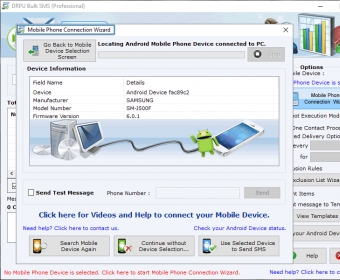
Step 1: Software provides three different types of mobiles options, android, GSM technology and windows OS based mobile phone. Select any one type of mobile phone option and connect it to the computer system.
Step 2: Import the contacts in the software through three different options, load contacts from file, add or paste numbers manuallyand send unique or personalized SMS to every contact using excel option.
Step 3: If the user wants to update the message of a particular contact, then they can select the update selected messages option or if they want to add the same messages to multiple contacts then they can select the apply this message to list items option.
Step 4: Enable the non-English character support option to send the messages written in all languages along with the special characters and emojis.
Step 5: Click on skip duplicate numbers option to avoid the confusion during sending messages as per your need.
Step 6: In case of multiple SMS, click on delay delivery option to manage the load of text messages.
Step 7: If user wants to send messages to all the contacts except some particular contacts, then they can select the exclusion wizard list option.
Step 8: Check the save sent message to templates option to save the messages as the templates so that the user can directly forward it to another person without any changes.
Step 9: User can directly import the contact numbers along with their messages in import and composing option and they can also export the contact list in excel file by selecting export list option.
Step 10: Click on the send option to send the text messages.
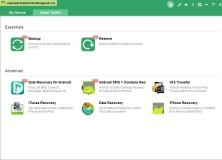


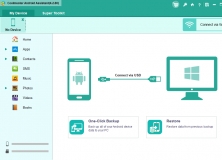
Manage the data within your Android device directly from your Windows PC.












Comments